
My Number isn't showing on my Softphone
When attempting to make a call, you notice that an outbound 'From' number isn't available for you to use
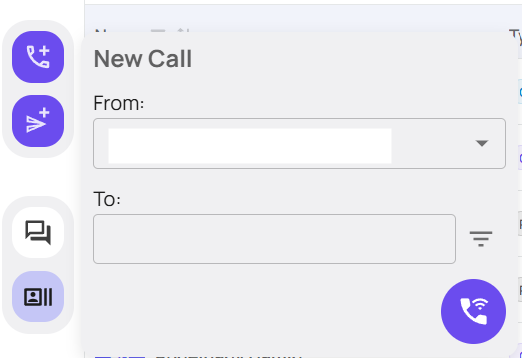
You may need to go to the Devyce Portal, and the 'Web Users' section - if you do not see this, you may need to request an Admin user to action this for you
https://portal.devyce.io/dashboard/web-users

Find the user you need to edit, and click the 'edit' button
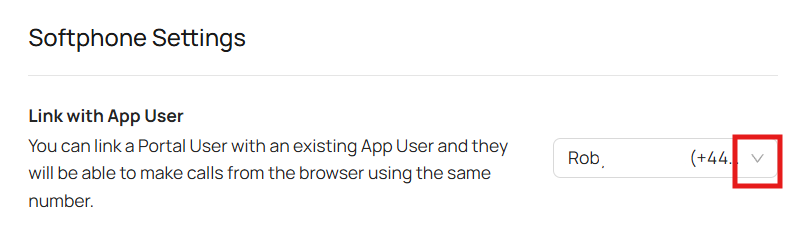
Scroll down to the softphone settings section and ensure using the drop down that the users App user account is linked
If the issue persists after doing this, please reach out to support@devyce.co.uk