
Ensuring your CRM Sync settings are correct
If your CRM and organisation allows automatic call syncing, but you're still required to manually sync your calls to your CRM. You may need to update your AI Features within your Softphone
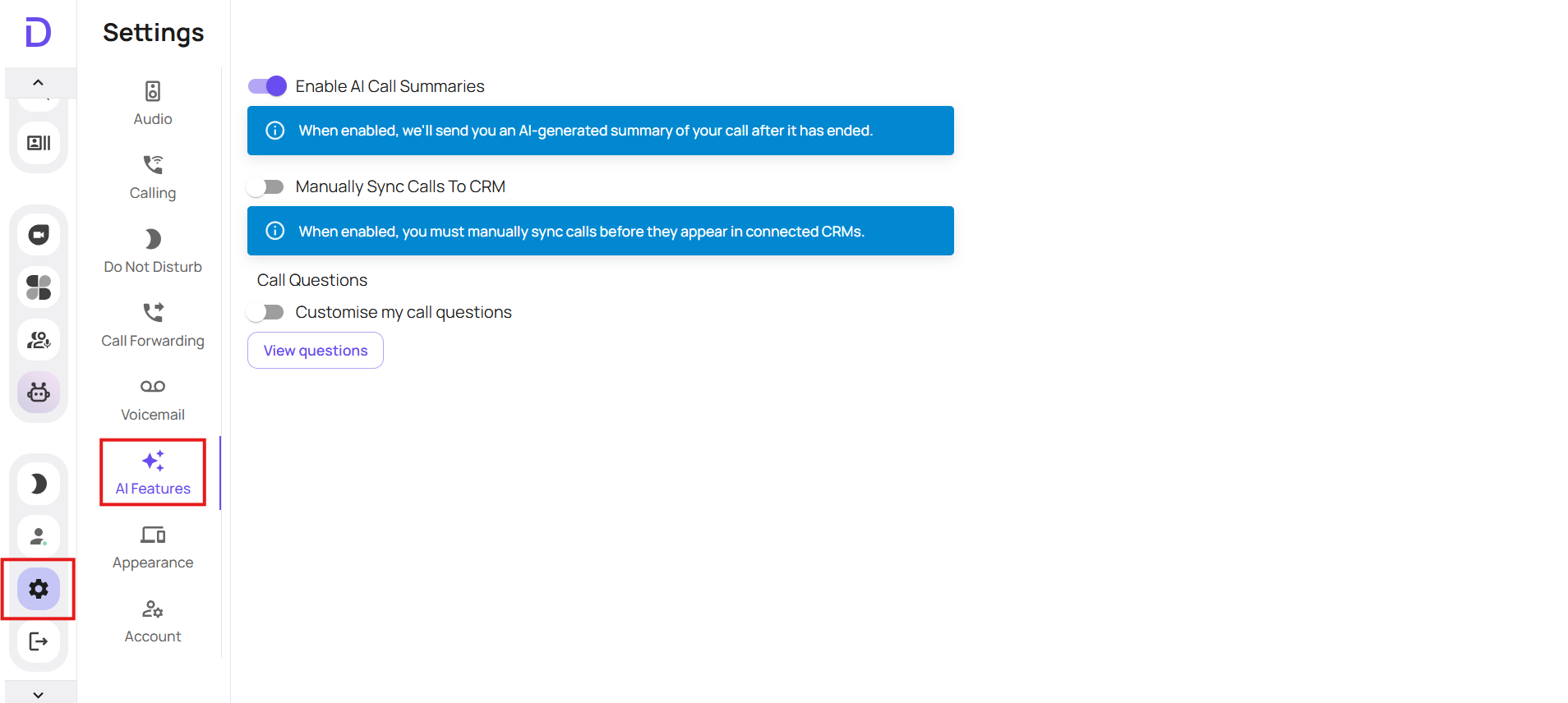
Go to your softphone > settings > AI Features
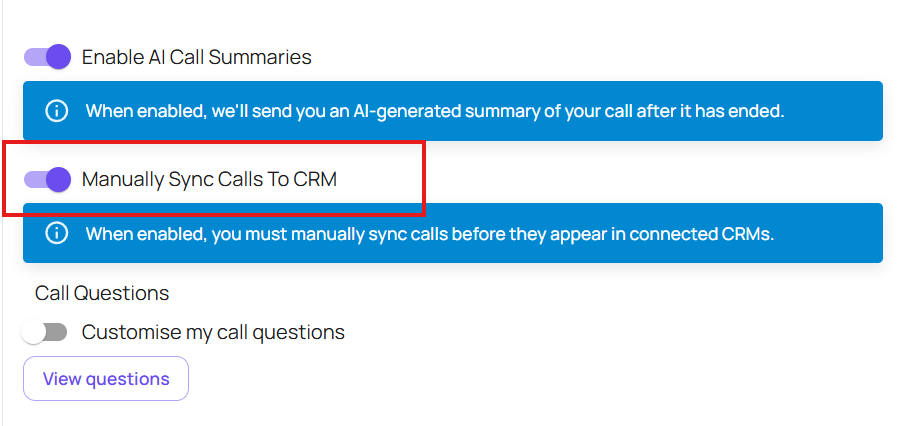
Having this toggled on (highlighted like below) will mean manual syncing is enabled, and you will need to manually sync your calls to your CRM (when this is toggled on automatic syncing will not happen)
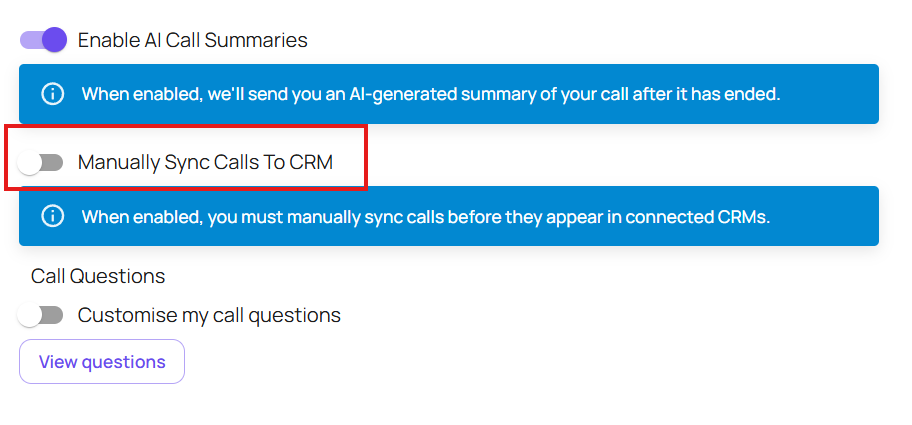
Toggle this off (greyed out) and provided your CRM allows automatic syncing your calls will automatically sync if there is a contact to sync to
If you experience further issues with automatic call syncing, and your settings are correct please see the knowledge base below on how to see the Sync Status and what it means
https://devyce.support.site/article/crm-sync-status-how-to-resolve-them