
Updating Chrome and Windows
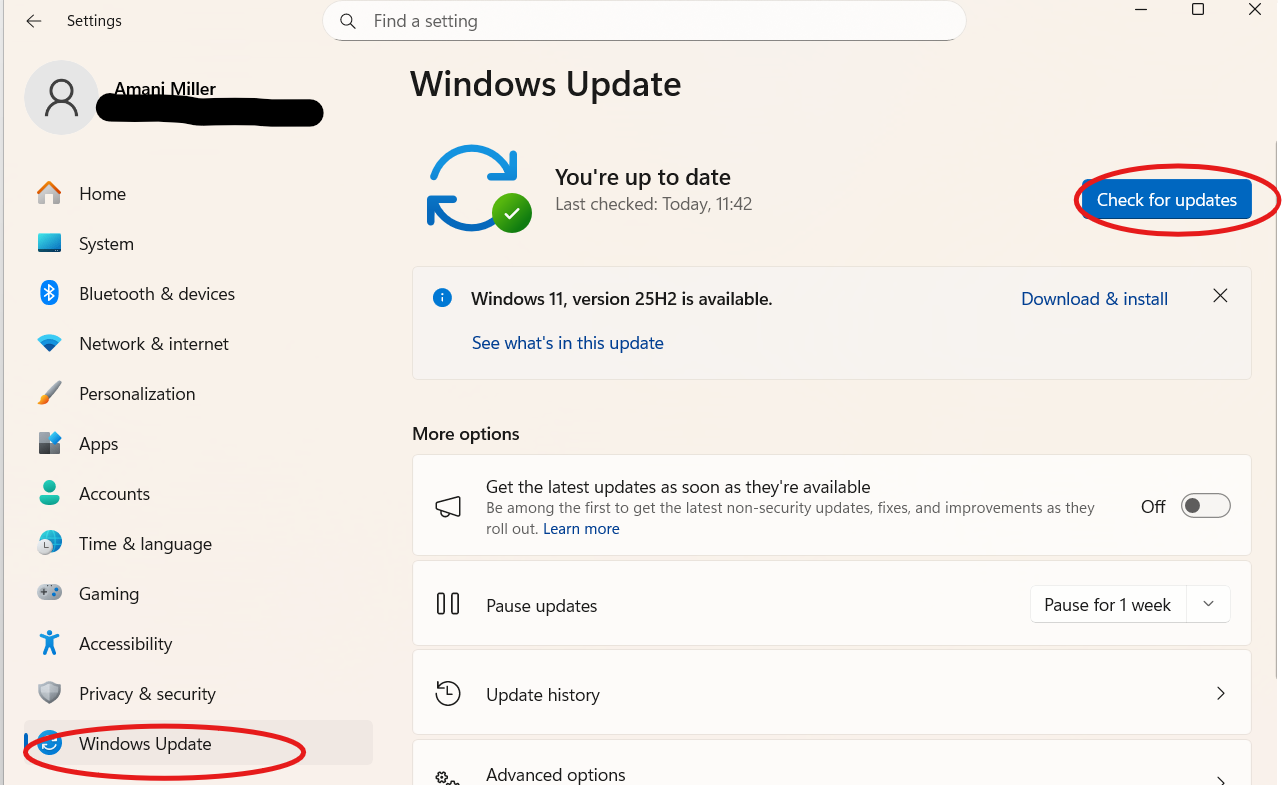
Windows Update
Please make sure that all Windows updates have been completed. It is important to click “Check for updates”, as updates will not always appear automatically.
Chrome Update
Please ensure that you are running the latest version of Google Chrome and then follow the below knowledge base to ensure your settings are updated as needed
https://devyce.support.site/article/updating-chrome-settings
Once these steps have been completed, please perform a hard refresh on the softphone page by pressing Ctrl + Shift + R.
If this still does not fix your issue, could you please clear your cache, log out of the softphone, and then log back in.