
Getting setup on Salesforce
You will need to install this to your salesforce and select Install For All Users:
https://login.salesforce.com/packaging/installPackage.apexp?p0=04tSq000003MgIDIA0
Once installed navigate to the Integrations page on the Devyce Portal.
https://portal.devyce.io/dashboard/integrations
Locate the salesforce Integration and click the connect button on the right hand side.
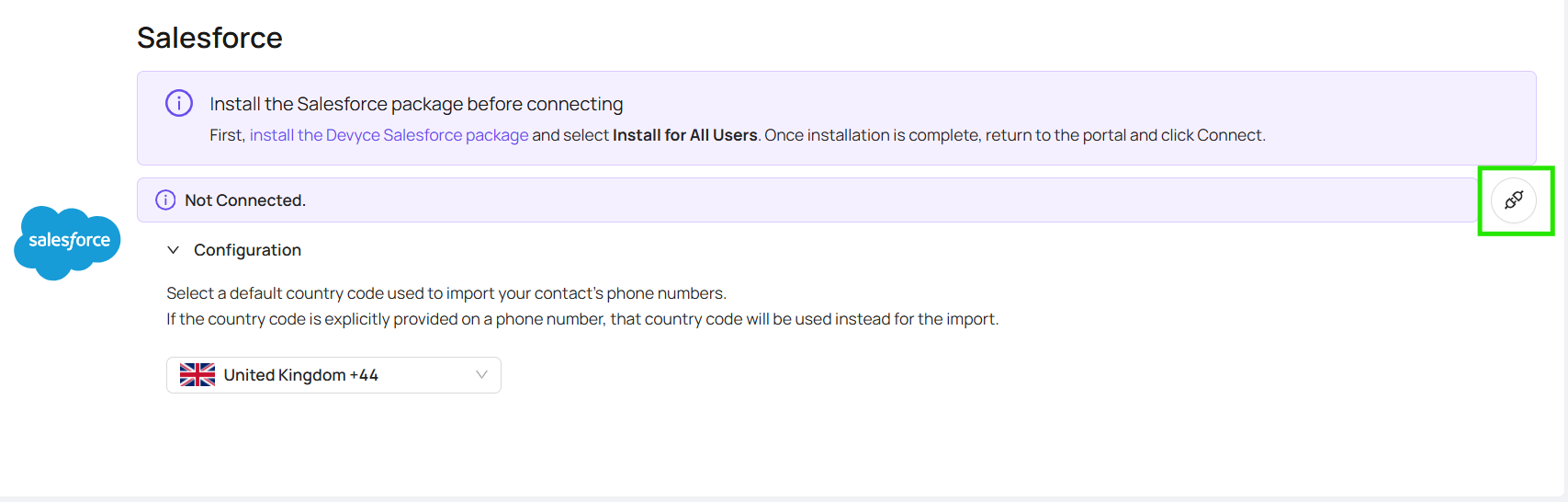
This will allow you to pick your default country code and connect you as needed