Getting started with Edun CRM
Setup
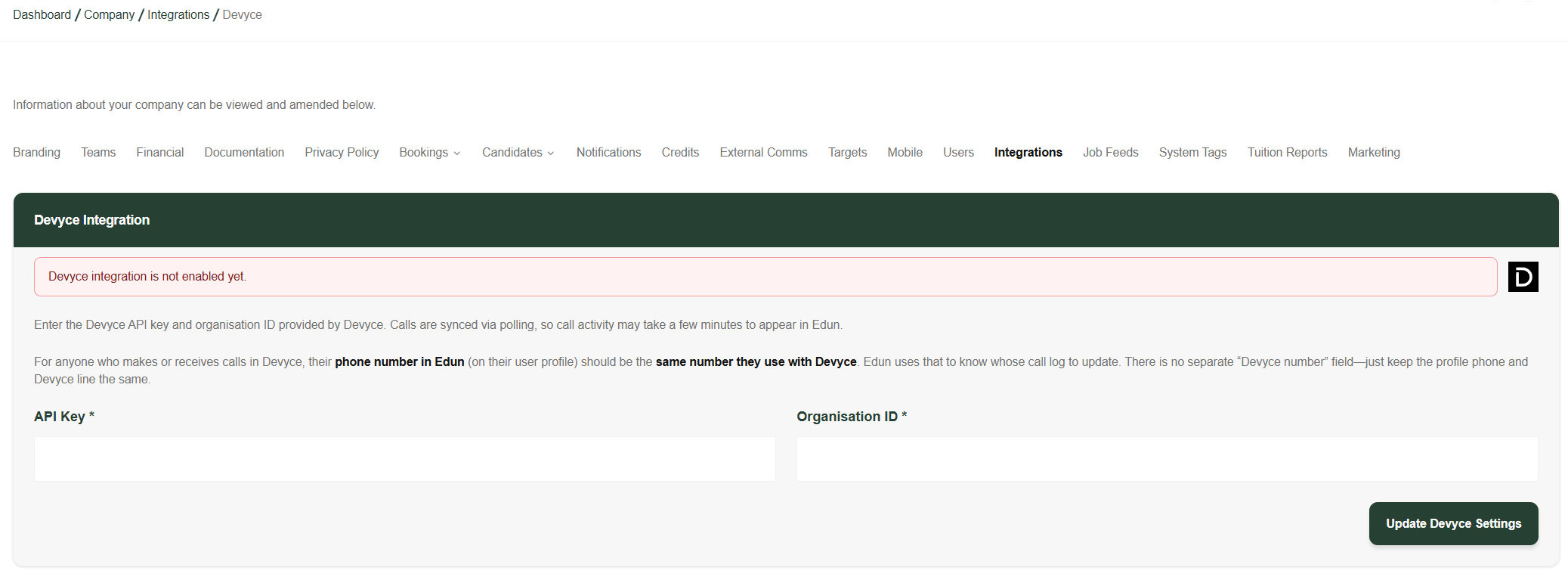
To integrate with Edun you will need to get your API Key and OrgID from our support team contacting devyce@support.co.uk
Once received navigate to the Integration settings within the Edun portal and click the Devyce Integration and input the credentials as directed on the page.
Click to Dial
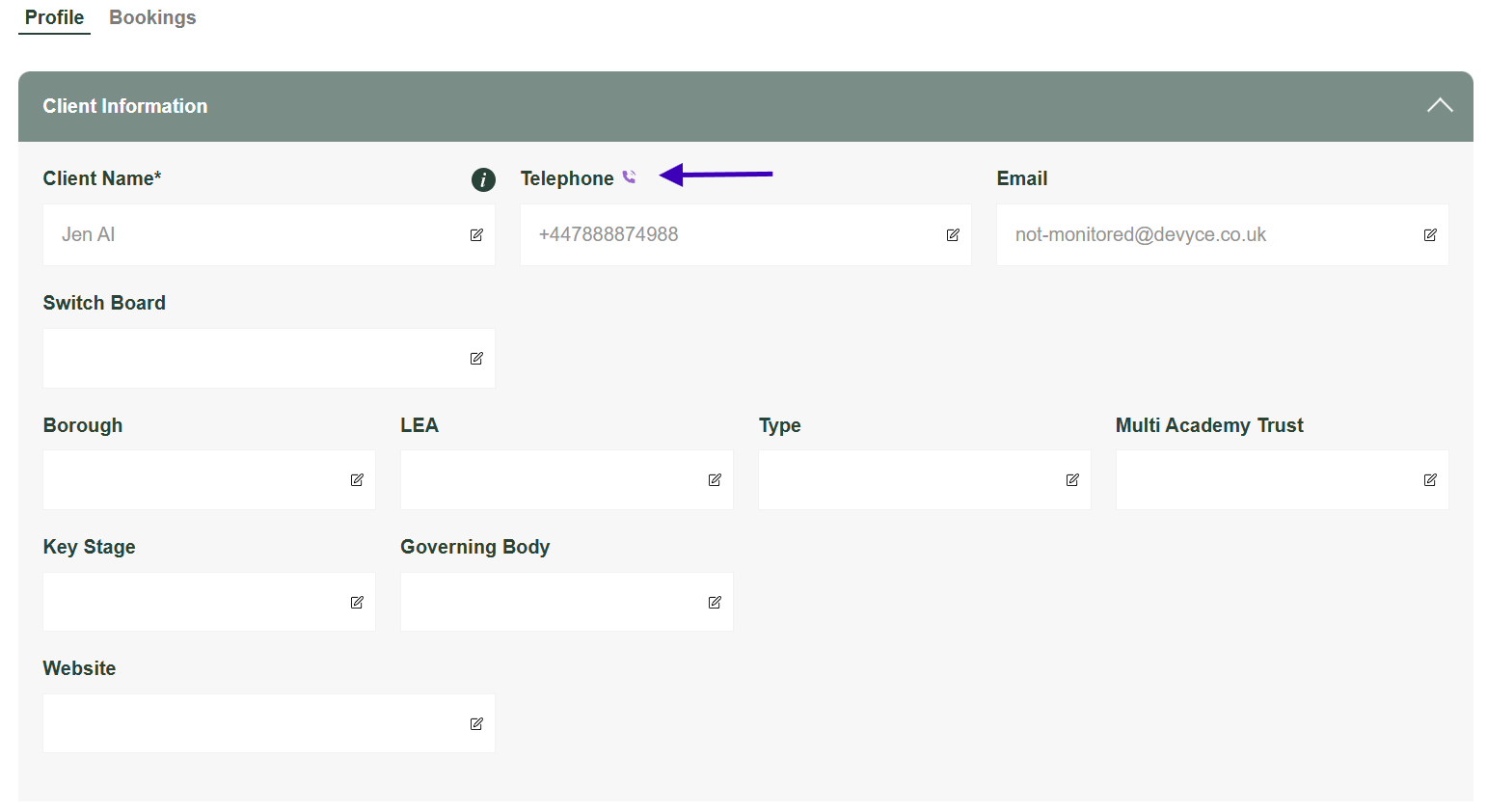
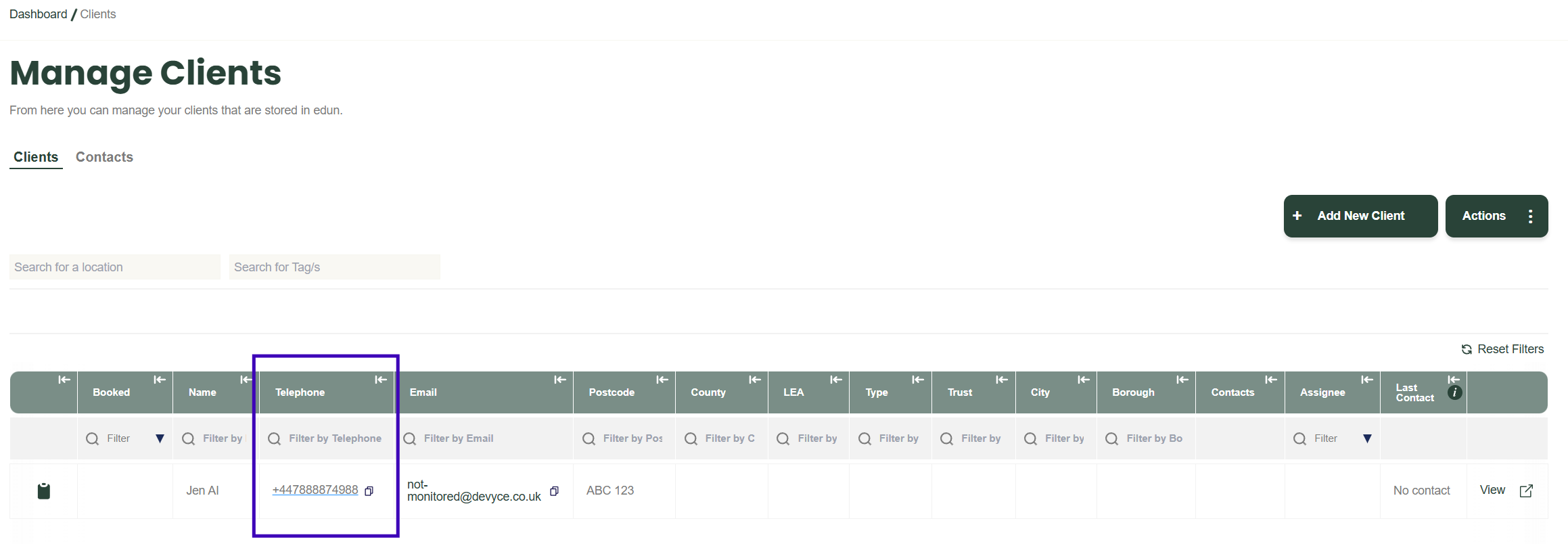
Once the integration is connected buttons and table fields which enable click to dial will be exposed in the Edun portal. You do not need the Devyce Chrome Extension installed for click to dial with the Edun portal but it is still recommended to be installed for use on other pages.