
Granting Call Whisper Access - Admin Portal
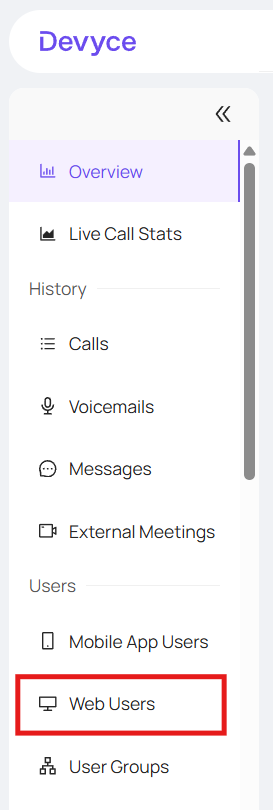
Go to the Web Users tab on the admin portal http://portal.devyce.io/dashboard/web-users
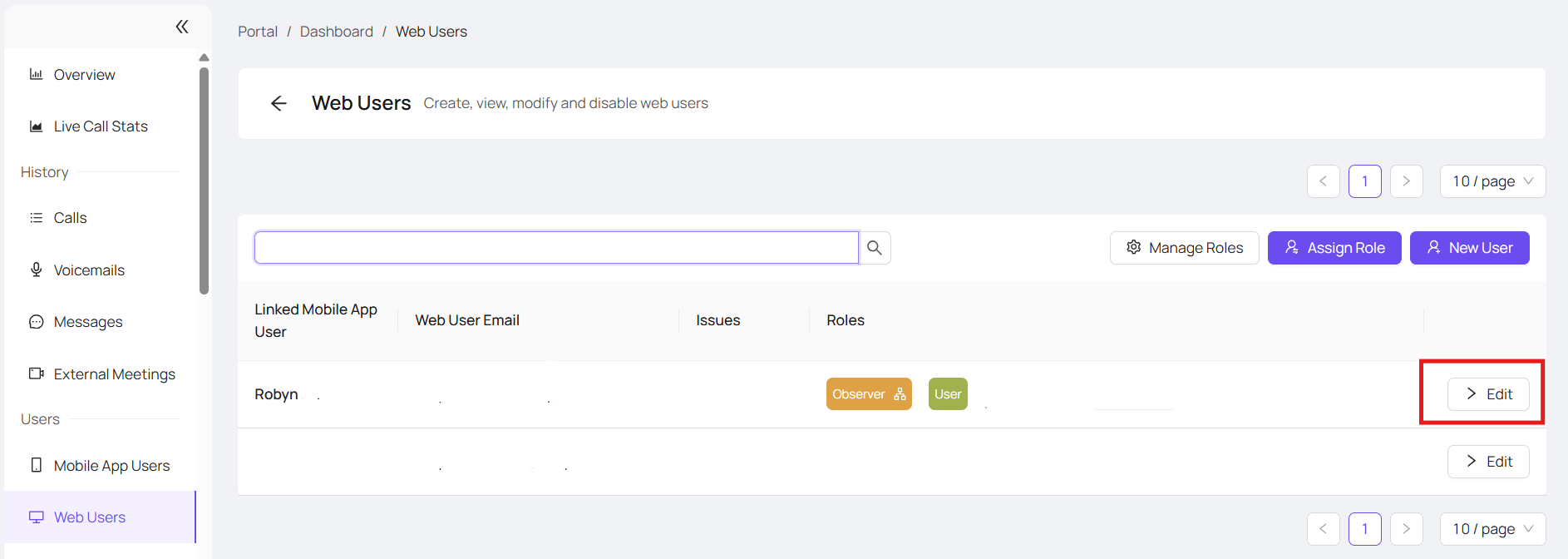
Search for the user you are wishing to assign call whispering to and click on 'edit'
This will take you to a separate user page, on here you can assign the roles you require for that individual via 'Assign Roles' box
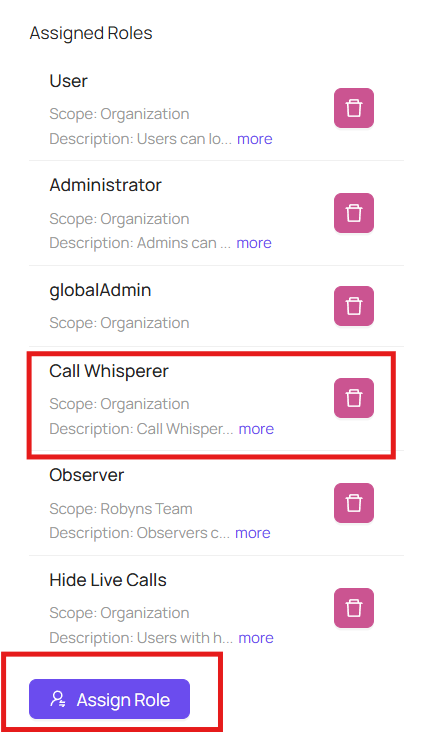
Once you have chosen call whisperer, this should reflect on their web user page as above
The user should now have access to call whispering on https://softphone.devyce.io, if not please ask them to refresh the page.
Call whispering guide here: How to whisper on live calls