
How to open the Softphone
You can open the softphone two ways, putting https://softphone.devyce.io/ into the search bar of your Browser of choice
Or you can click on the Devyce extension button

This will then open your sidebar with useful details on your past calls, and next steps
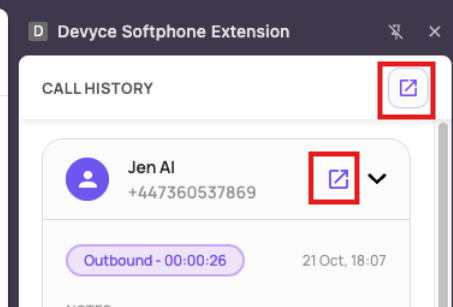
Clicking the open in Softphone button, will then either open your Call History or open the conversation highlighted
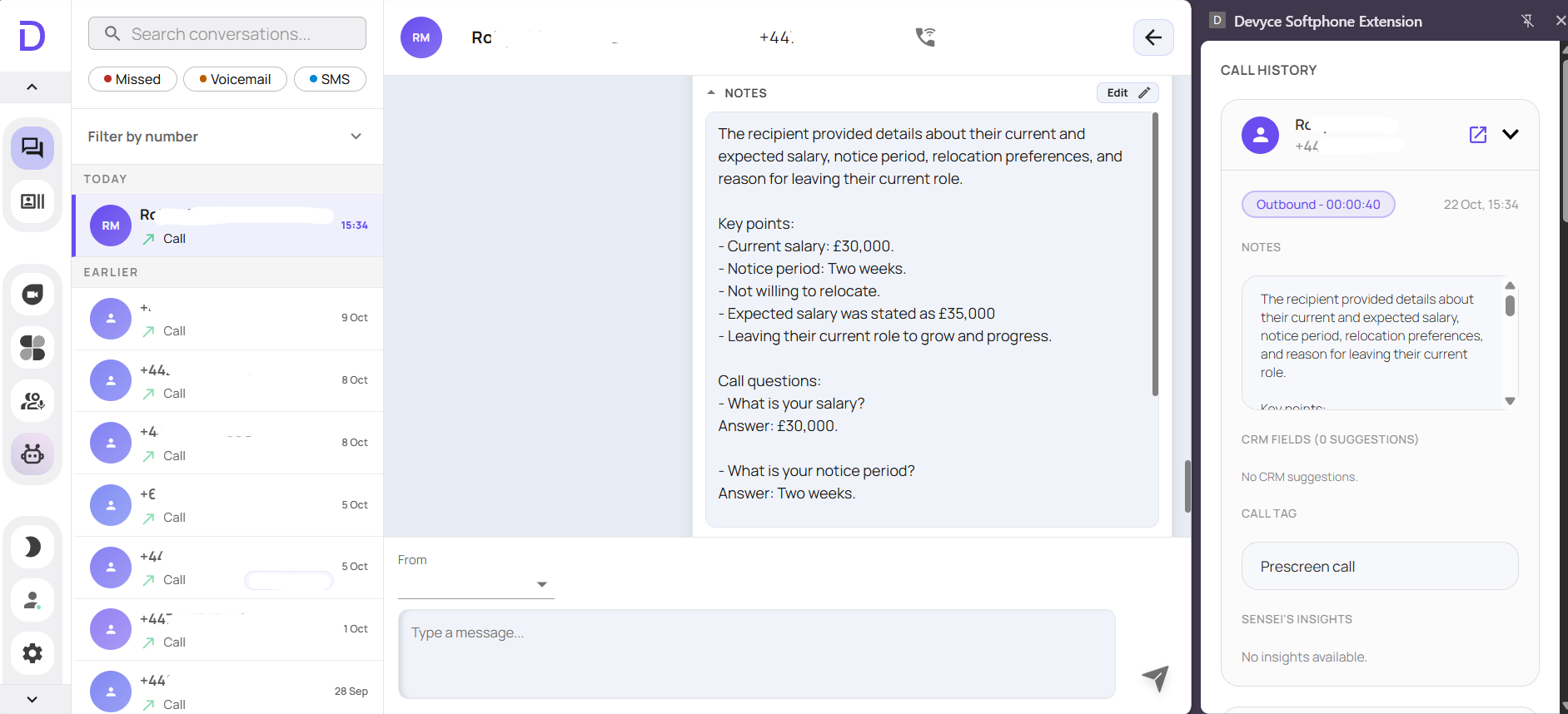
You can then if you wish, close the side panel by clicking the 'x' in the top right hand corner of the panel

This will then open up your Softphone fully for you to use as required.