
Setting up Call Tags with the Devyce Portal
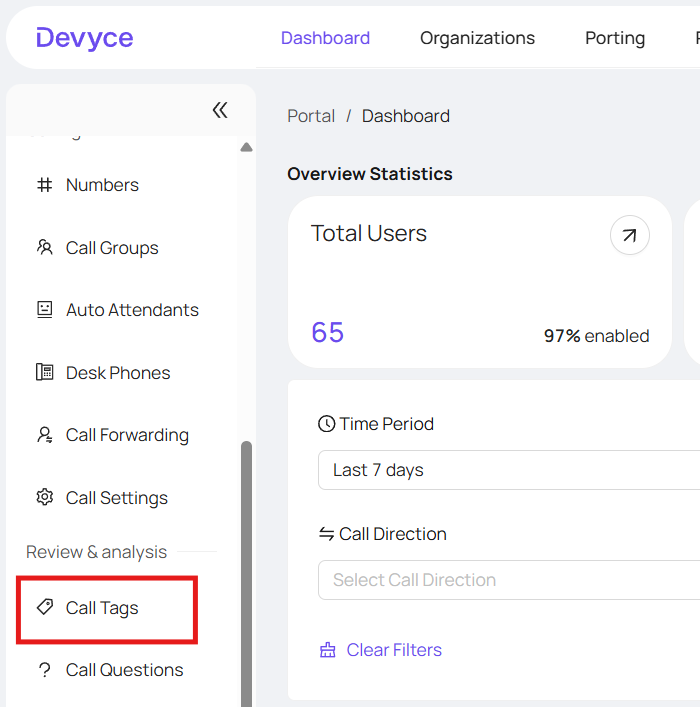
Navigate to https://portal.devyce.io/dashboard/call-tags
If your CRM has call tags/goals and activities that are mapped onto Devyce click 'Create Default tags from CRM'
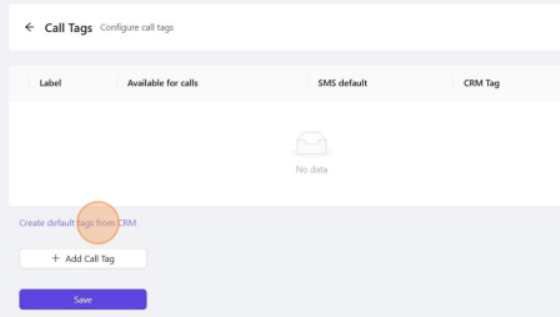
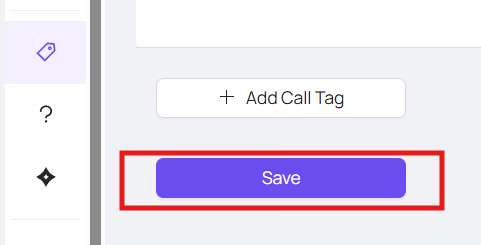
This will input your custom tags from your CRM - click save once all the call tags have been synced. The listed tags will then be available for consultants to select while on a call.
Alternatively, you can manually add Call Tags provided they are already mapped within your CRM
Clicking 'Add Call Tag' will add a new row under Label
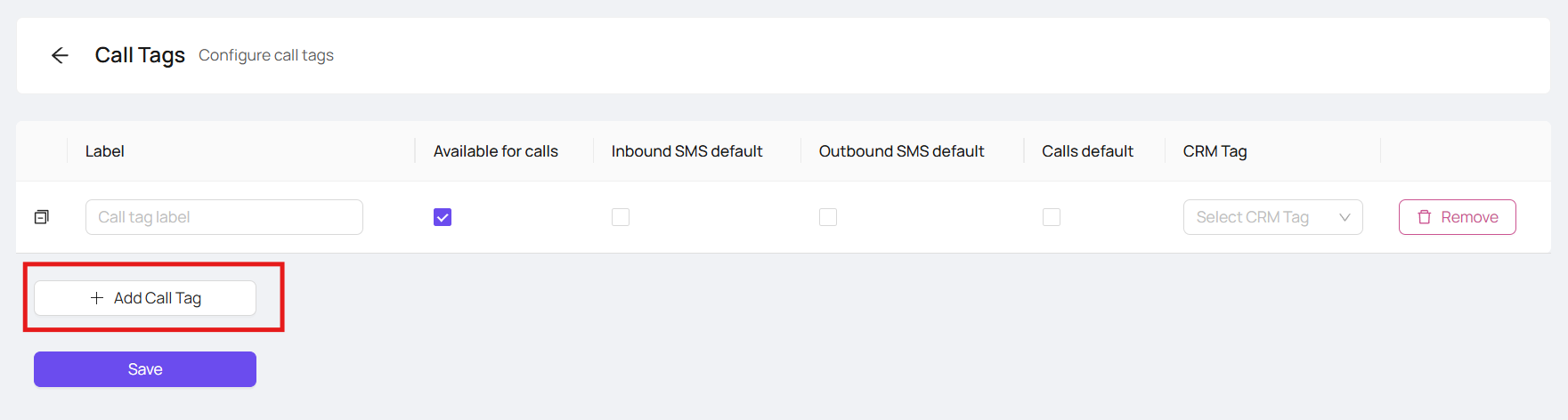
Here you can label the call tag, mark it available for calls, or the default for calls/Outbound SMS/Inbound SMS as well as connect it to the matching CRM tag to pull through to your CRM
