
Adding a New User Account
Navigate to https://portal.devyce.io/dashboard/mobile-app-users
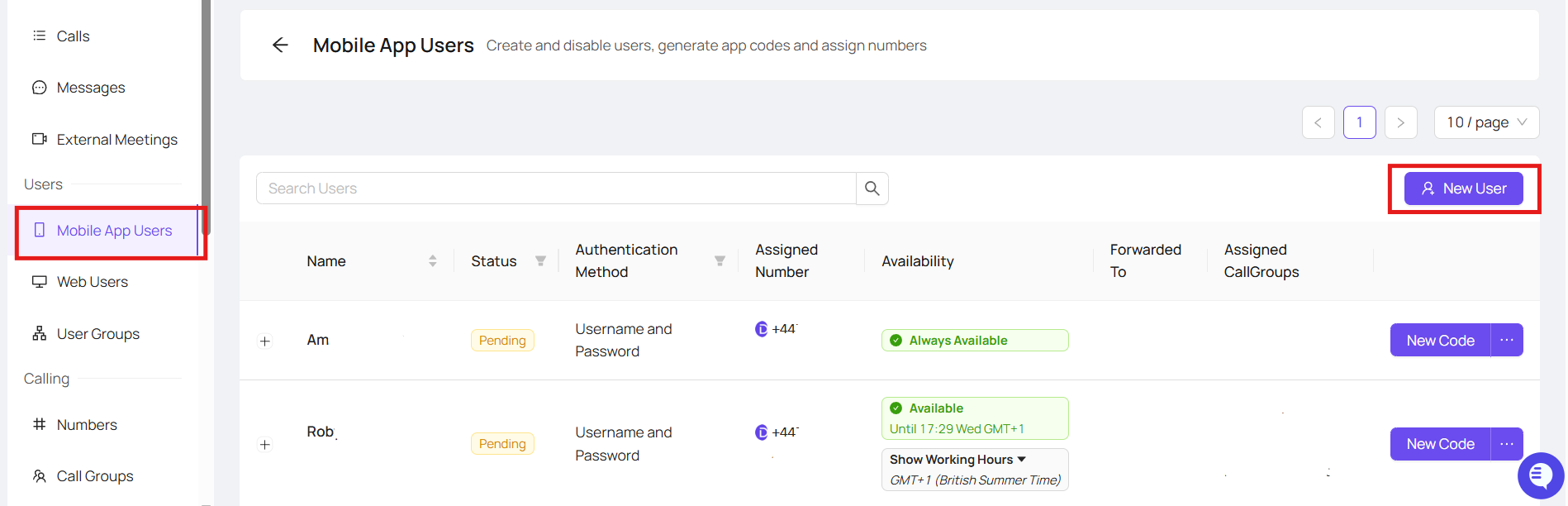
Clicking 'New User' will open a pop up that looks like below
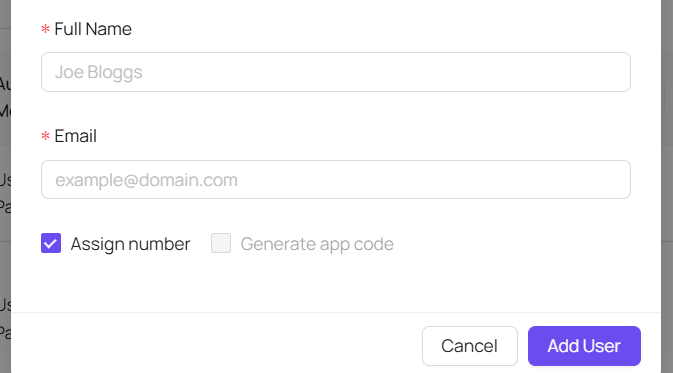
You can then input your new users email address, and name - a number will automatically be assigned to them, if you wish to assign a specific number untick this box
This should then automatically create a user in the mobile app section, and web user section
If you see the below message:
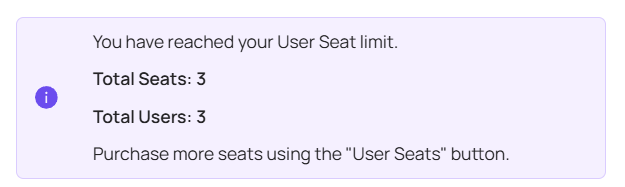
You may have hit your subscription limit, you can then reach out to support@devyce.co.uk and they will be able to add an additional user to your allowance
Once the user is made under Mobile App users, you can go to Web Users
Find the user you have just setup and click 'Edit'
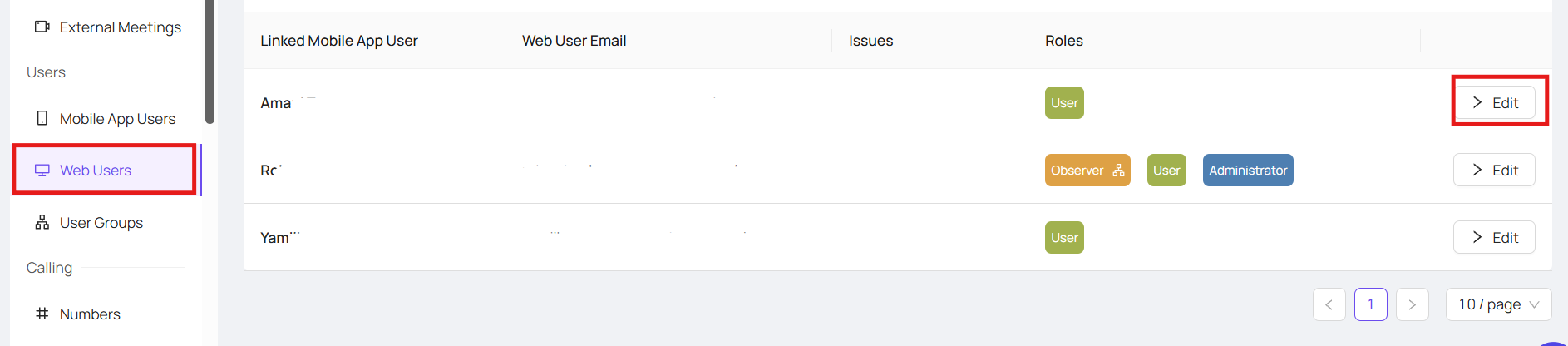
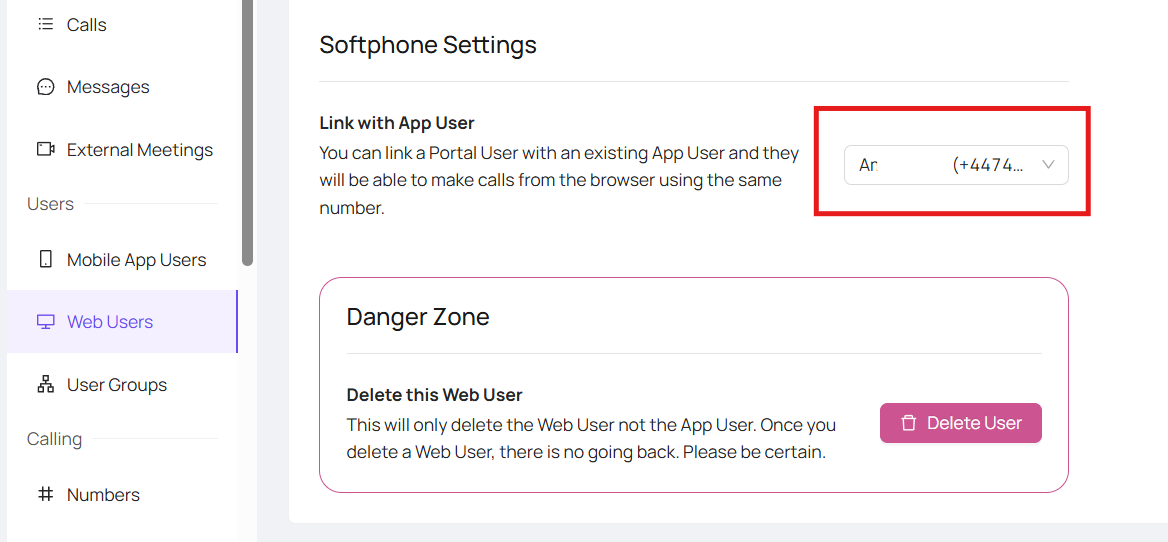
You can then scroll down to the Softphone Settings, and ensure that the web user is linked with the app user as needed
If you experience any issues or the system does not auto create the web user for you please reach out to support@devyce.co.uk for further assistance