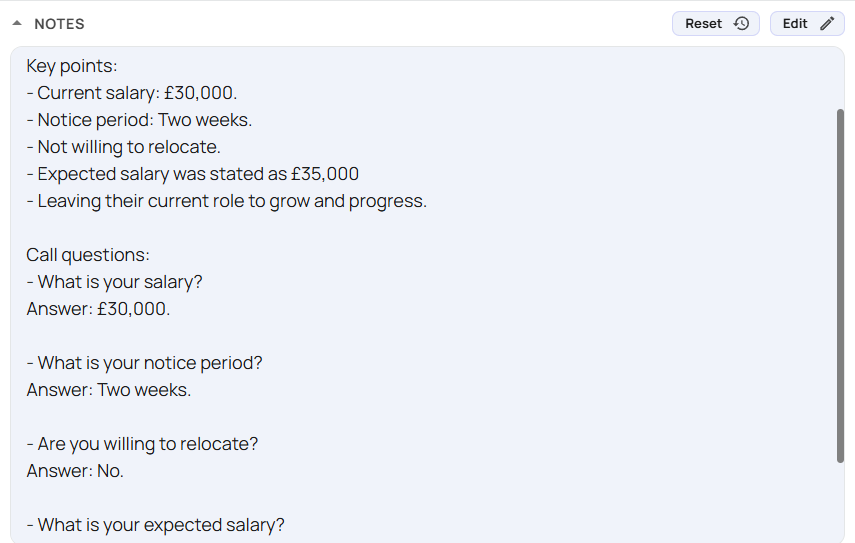
Creating Call Questions
Creating Call Questions is a great way to automate admin tasks. Our AI will listen during the call to answer these pre-defined questions, reducing the number of notes users need to take.
Call Questions created on the admin portal are applied organization wide.
Users can specify their own personalised questions in their Softphone settings.
Go to the Call Questions tab on the admin portal https://portal.devyce.io/dashboard/call-questions
You should see your CRM’s call tags
Click 'Add question' under the respective call tag
Enter the question you would like to add and click 'Save'
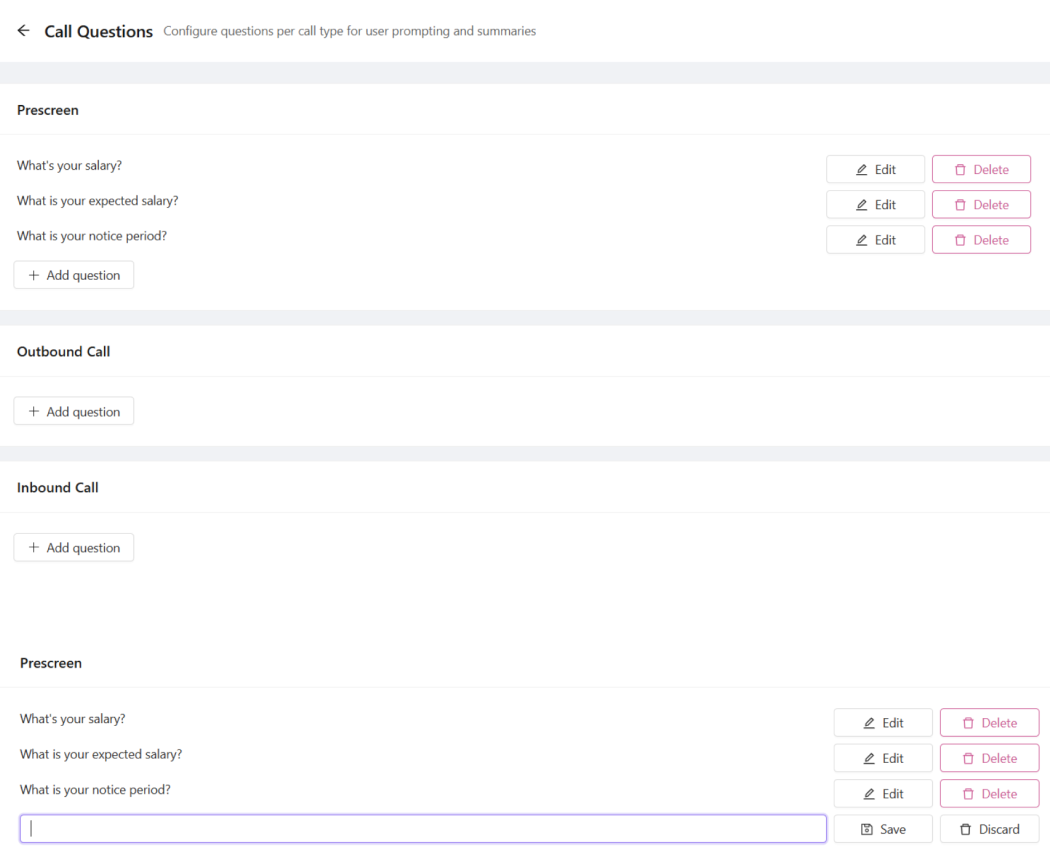
These questions will then show for your users, whenever that call tag is used in their softphone
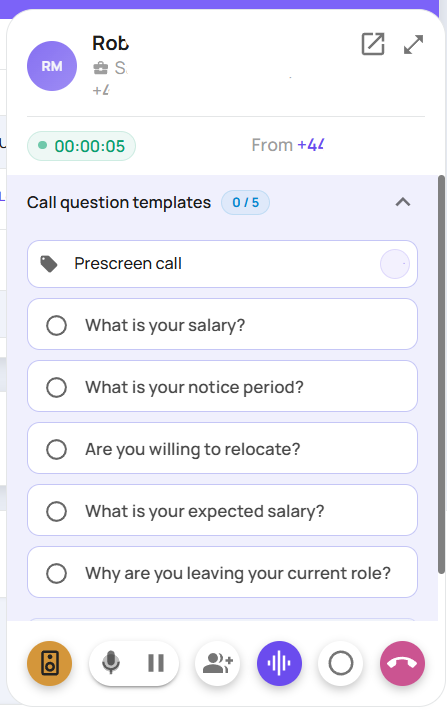
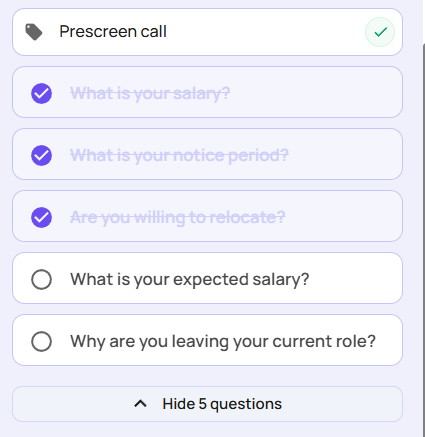
It will also give your users the option to tick through the call questions as a reminder to ask them
And then generate a summary where it highlights the answers to the call questions discussed