
Download Call Recordings
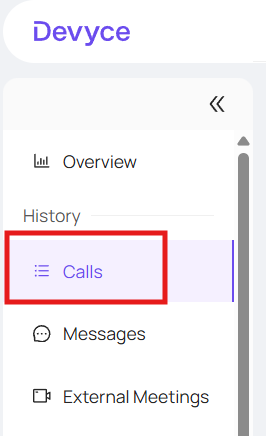
Navigate to the call history tab of the portal
https://portal.devyce.io/dashboard/call-history
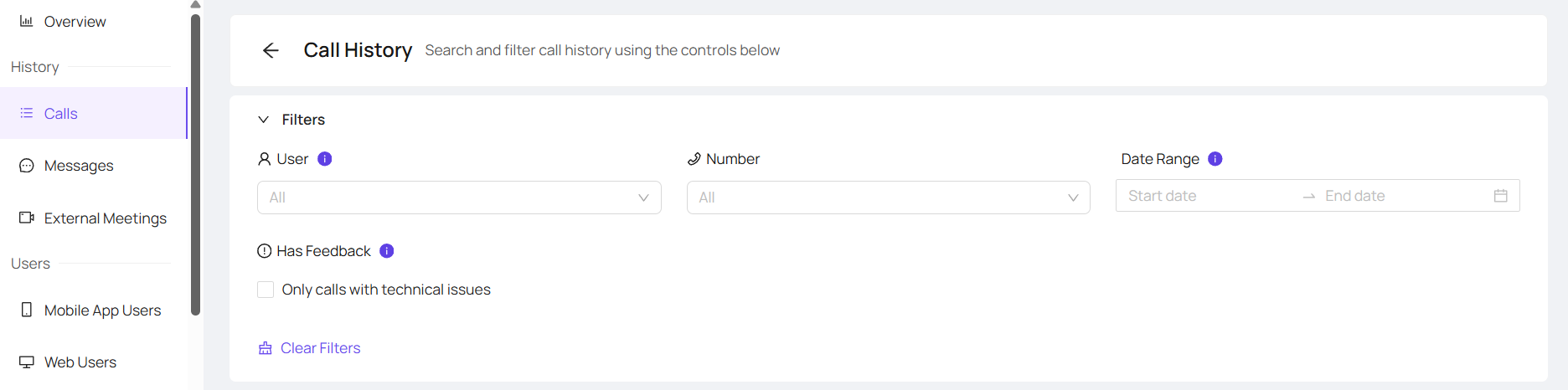
Using the drop down menu to apply filters and select the user who made or received the call you need
Once you have found the call you wish to download the recording for click the 'plus' button to expand the call details

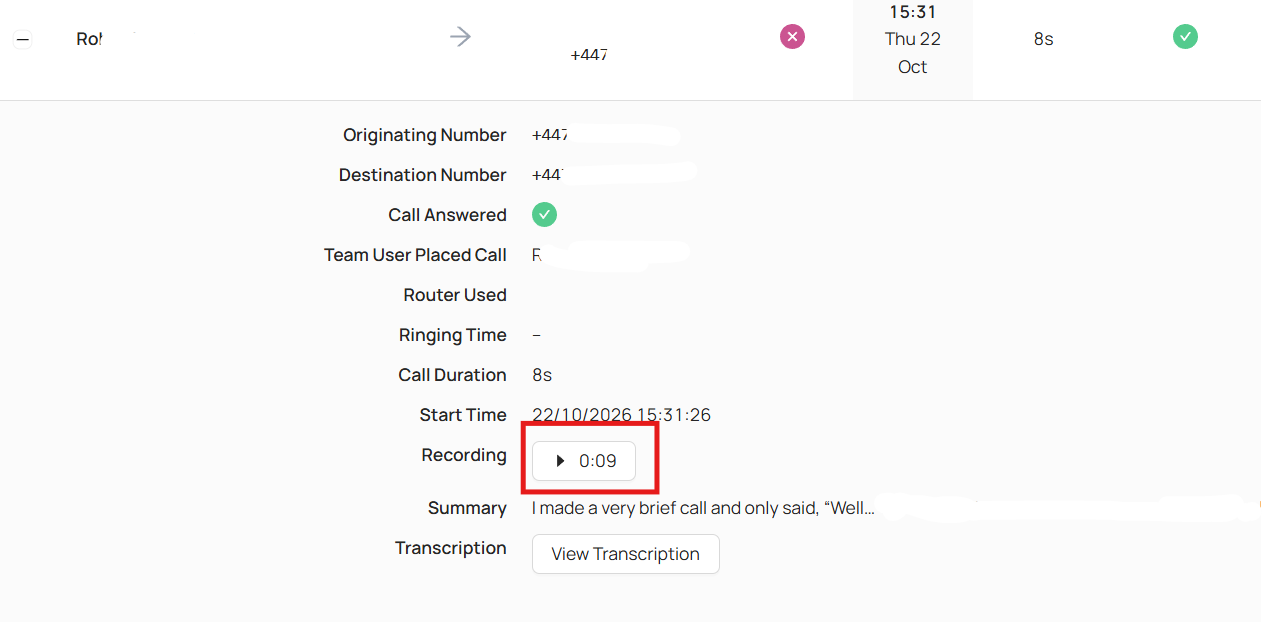
Clicking on the recording box will open the recording and begin playing it but also open up an additional menu
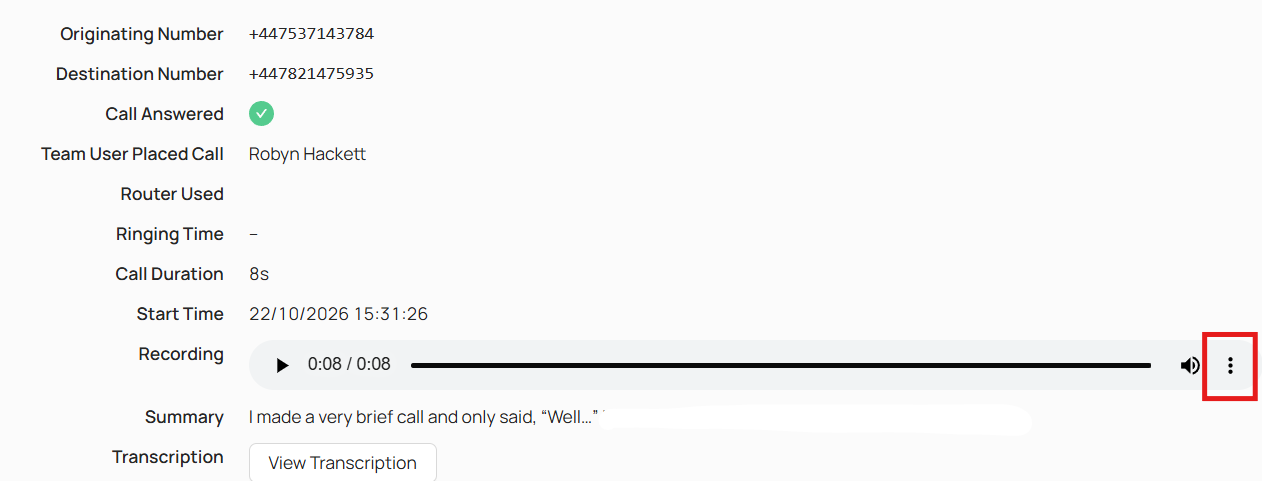
This will then open the option to download the call recording
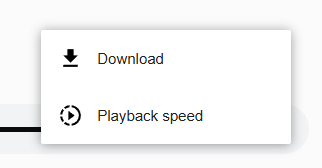
The audio will then save in your recent downloads