
Granting Admin Access
Please ensure the user you would like to grant admin access to already has an account. If they don't, please follow this guide first Add a new user to your organization
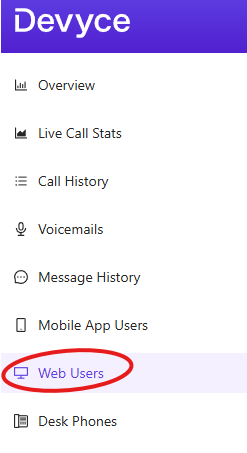
Go to the Web User tab in the admin portal http://portal.devyce.io/dashboard/web-users
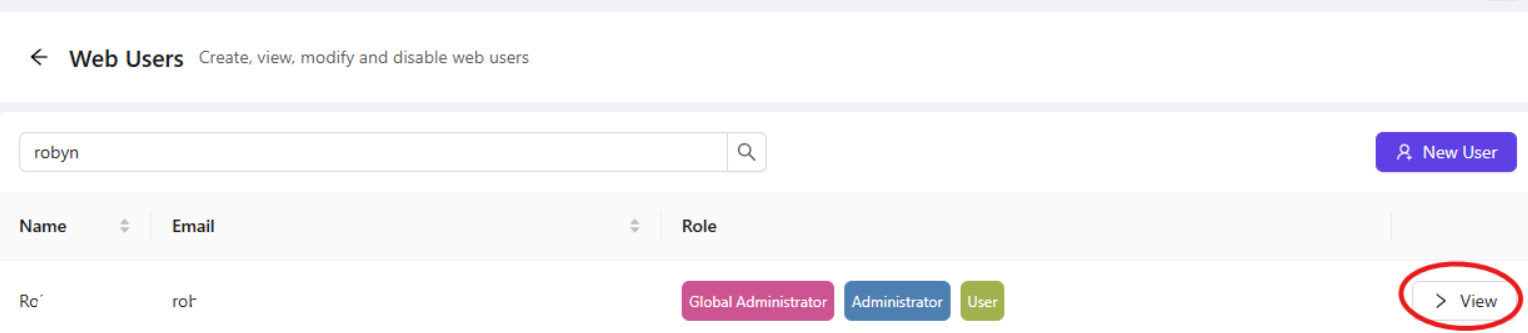
Search for the user, you are wanting to grant Admin Access, and click the view button
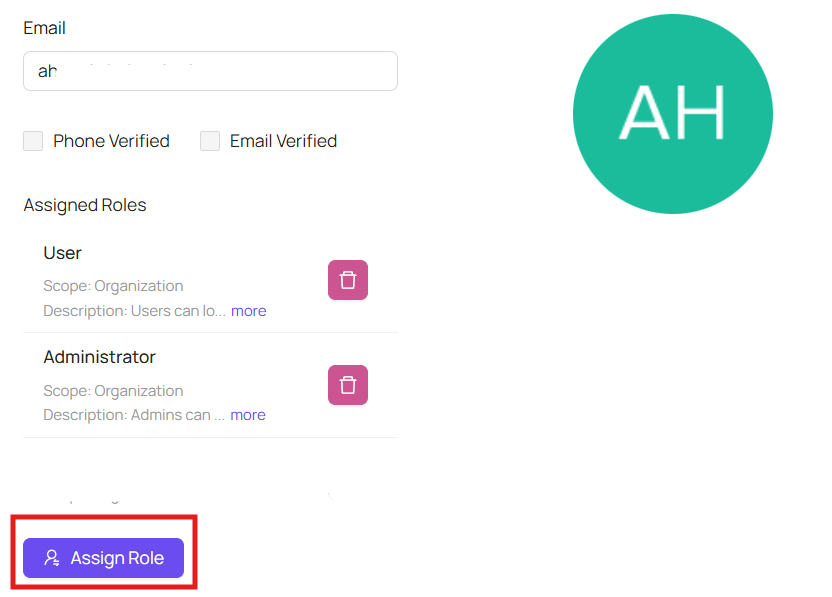
This will then take you to a separate user page, where you can assign the roles you require by clicking 'Assign Role'
This will then allow you to assign Admin rights as well as other roles to the user
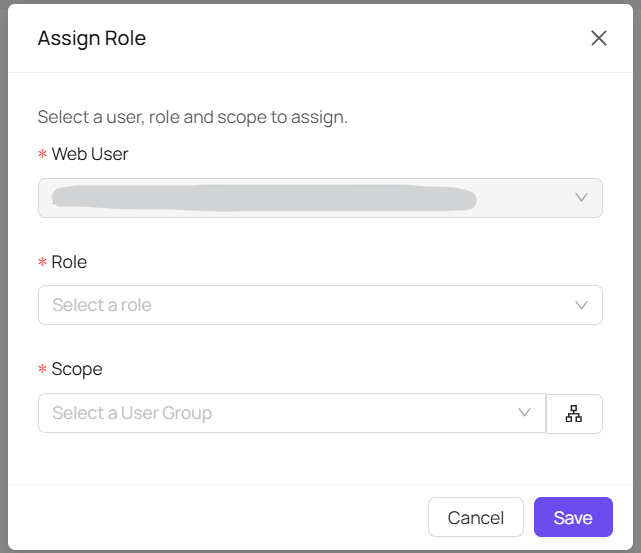
Once you have set the user role as 'Administrator' and then the scope as 'organisation' and click 'save' that user will have full admin rights on your Devyce Portal