
How to Generate an New App Code
Please go to the Devyce Portal https://portal.devyce.io/
And navigate to the Mobile App User Section in the lefthand side toolbar
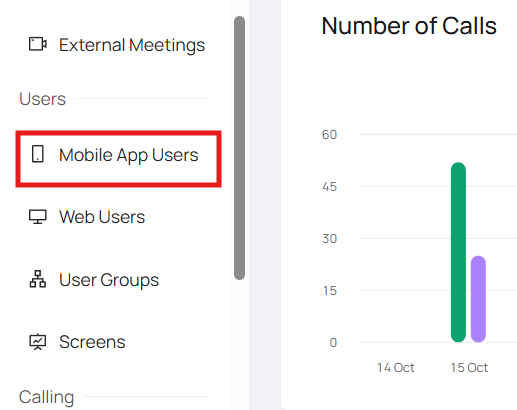
Scroll or use the search function to find the App User you need

You can then click on the 'New Code' button
A pop up will then allow you to choose the length of validity or tick box that its reuseable
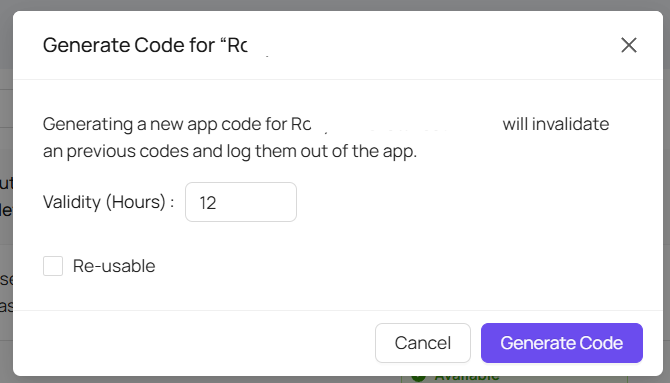
Once you have decided whats best for your needs, click Generate Code
That user will then receive a new mobile app code to their email address