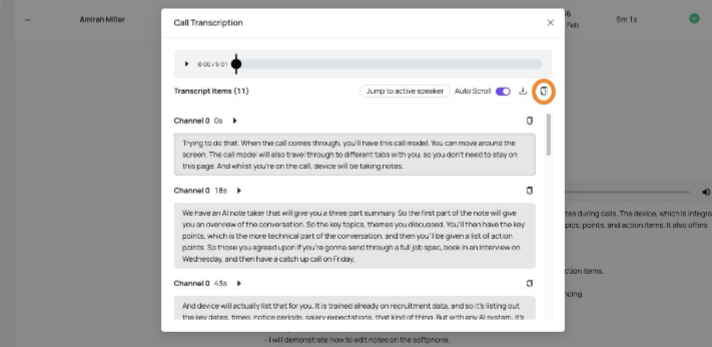
How to view call Call Transcriptions with the Devyce Portal
Navigate to https://portal.devyce.io/ and navigate to the call history tab
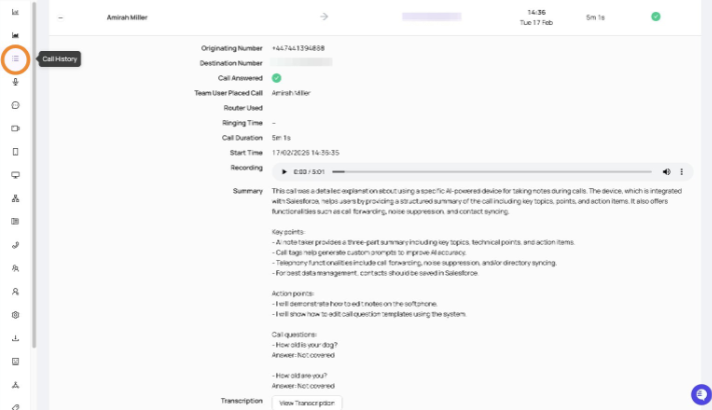
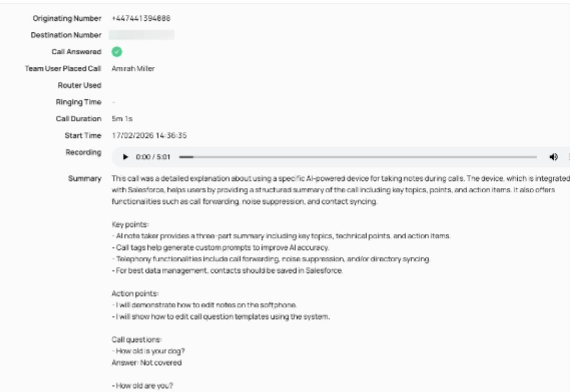
Find the desired call record and click to expand and display the call details
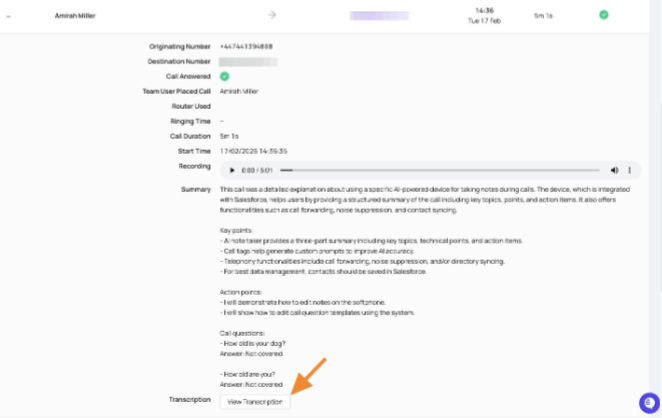
Scroll down on the call history record and click to "view transcript"
You can then click to download the transcription
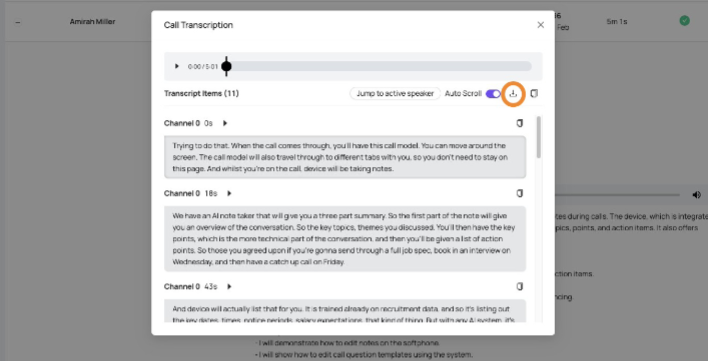
And click to copy it