
Live Call Stats - How to filter and export them
Navigating to the Devyce Portal - https://portal.devyce.io/dashboard and use the lefthand tool bar to click on 'Live Call Stats'
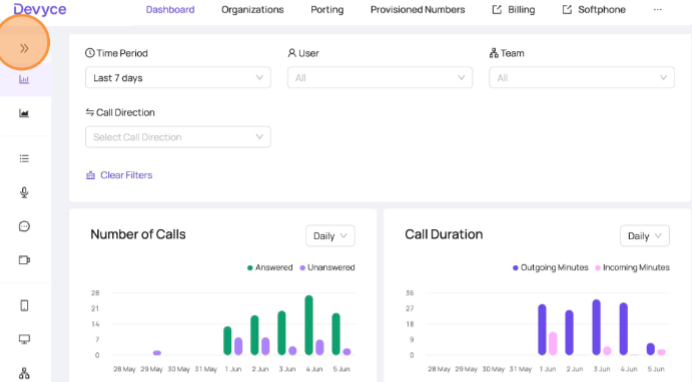
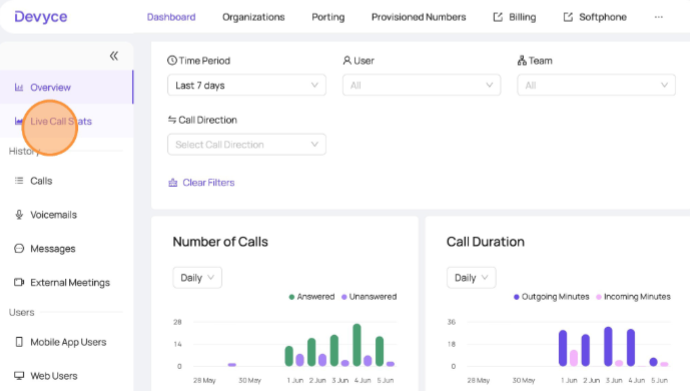
This will then open your accounts live call stats, and allow you to filter then by clicking on the 'Filters' button
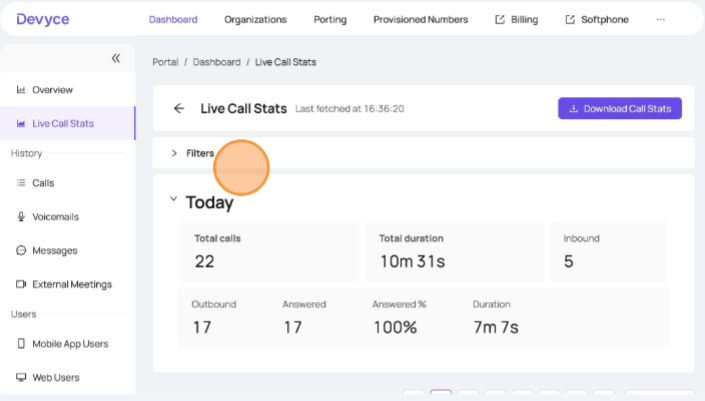
You can filter via the date range or by Team - if you don't have user groups setup already, learn to do so here: https://devyce.support.site/article/user-groups
To filter via date range, click on the box as shown below
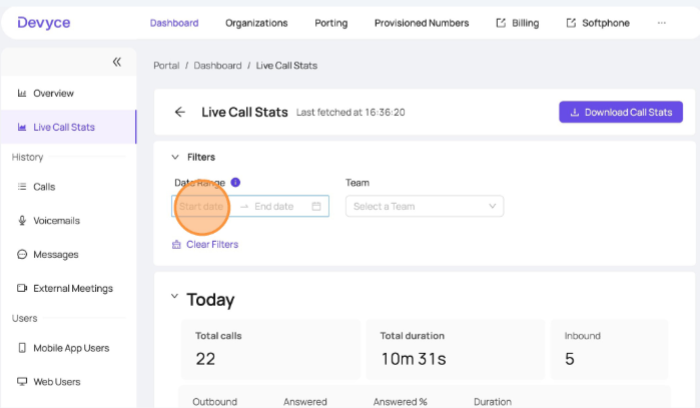
You can select a date and time range
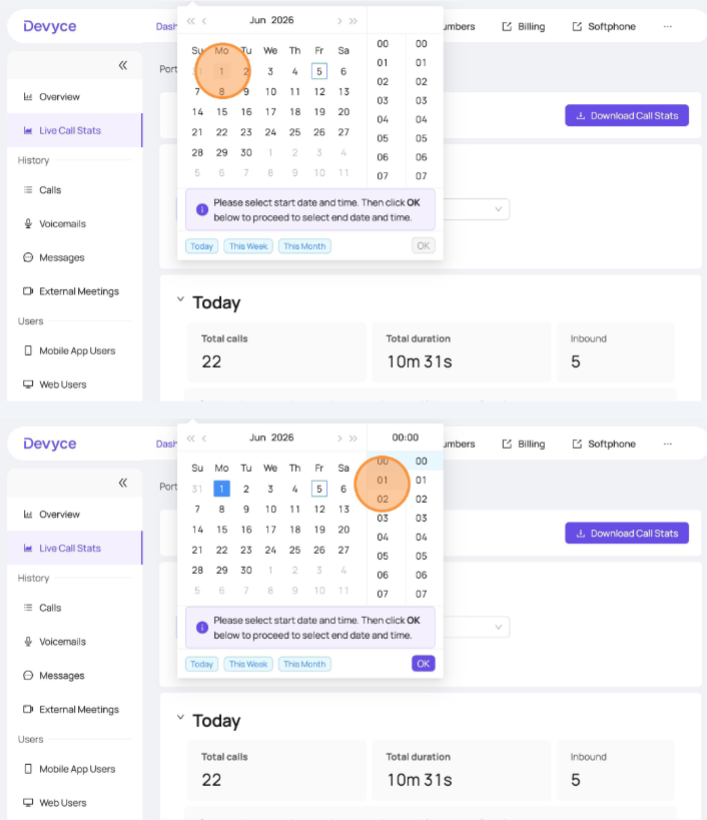
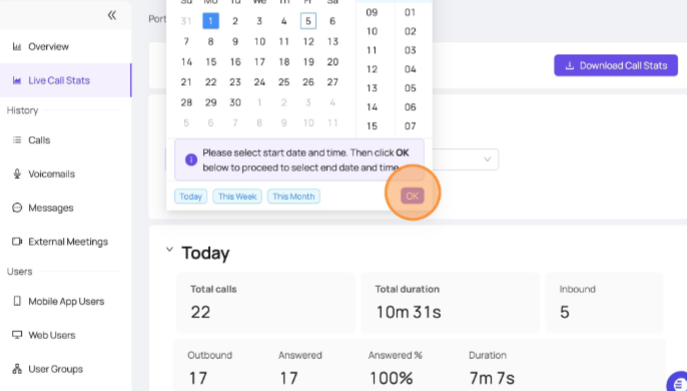
Once you have chosen the date and time you require, ensure you click 'OK'
You can now view the data for the date and time range you have selected within the portal, and if you wish download this using the 'Download call stats' button
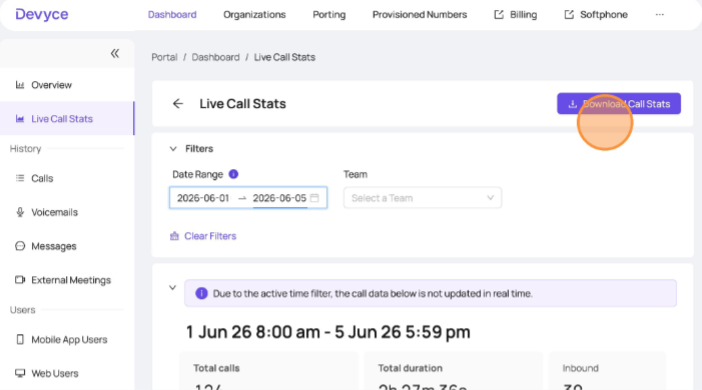
This will then download as a CSV for you to utilise as needed.